Teaching Slides Design (4): 40 Free Image Resources — Photos, Icons, and Illustrations All in One Place! [Updated 2021/08/05]
A guide to free image resources for teaching slide design. Covers Creative Commons licensing, then walks through 40+ resources organized by type: all-in-one, photos, icons, illustrations, typography, and miscellaneous.
For all online teaching activity resources, visit the Online Teaching Resource Hub, which covers interactive PowerPoint templates, Google tools, and other practical resources.
About Image Libraries
For a general introduction to the Teaching Slides Design series, check out the first post: Teaching Slides Design (1): Information + Design = A Beautifully Crafted Gift
For background removal techniques, see: Teaching Slides Design (3): Super Easy Background Removal! PowerPoint Tips to Instantly Elevate Your Slides
In teaching, we often need a lot of images — both for content and for visual polish. Strictly speaking, classroom use may fall into a gray area for copyright, but I still recommend sticking with properly licensed images whenever possible.
Many sites already cover great image libraries, and here I’m sharing the ones I personally use most often. :) The post is organized into four main sections. If you have a favorite library I haven’t listed, feel free to share it with me! <3 (Fair warning: I kept discovering more and more resources while writing this — there really are a lot. I’ve gone into more detail on the ones I personally recommend most, so start there!)
- All-in-one
- Photos
- Icons
- Illustrations
- Typography
- Miscellaneous
Creative Commons
Before diving into the libraries, let me introduce Creative Commons (CC) licensing. What is it, exactly?
Iju Hsu shares a series of PowerPoint lesson plans with everyone. Lottery wants to download and use them, but isn’t sure if that’s allowed.
In that situation, Lottery could always leave a comment or send a message to ask — but if Iju Hsu has already posted a Creative Commons license on the site, there’s no need to ask at all. Just follow the rules that were set.
CC licenses are built from four core elements. For full details, see the Creative Commons documentation. Here’s the simplified version:
- Attribution (BY): You must credit the original creator as specified
- NonCommercial (NC): You may not use the work for commercial purposes or personal financial gain
- NoDerivatives (ND): You may not alter, transform, or build upon the work
- ShareAlike (SA): If you remix or transform the work, you must distribute it under the same license
These four elements combine to form six different license types. I’ll use my own site as an example. You’ll see this badge on the right side of my site (which, yes, I only remembered to add it while writing this post XD):
This means the content on this site is licensed under Creative Commons Attribution-NonCommercial-ShareAlike 3.0 Taiwan.

In other words, if you use content from this site:
- You must credit the source
- You may not use it commercially
- If you adapt it, you must use the same license
Because there’s no NoDerivatives restriction, anyone can adapt the content however they like — as long as they credit “lesson plan from ijuhsu — Mostly Harmless” and don’t use it to make money.
So whenever you see a Creative Commons badge on an image library, you’ll know exactly what you can and can’t do. :)
Before You Browse…
With this many options, choice paralysis is real. My advice: think about your slide aesthetic before you start searching. Illustrated? Realistic? Sci-fi? Japanese style vs. Western style? All of these affect what you’re looking for. Decide on a direction first, then find resources that match. And please, please don’t mix styles!! (Unless you’re going for that gloriously chaotic look on purpose.)
Even the fonts you pair with images matter — but that’s a rabbit hole to explore on your own.
All-in-One
Google Creative Commons Search
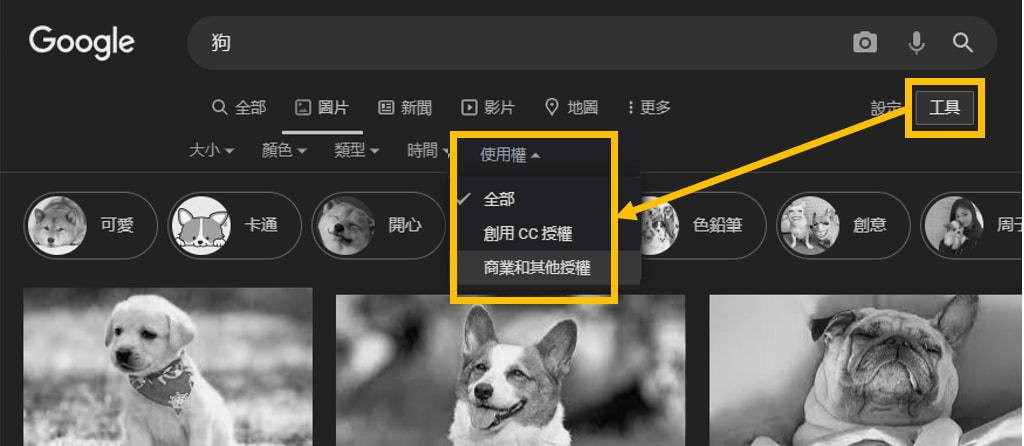
You can filter Google Image Search by Creative Commons license directly — very handy. Just open Image Search, click “Tools” on the right, then “Usage Rights,” and select the license type you need.
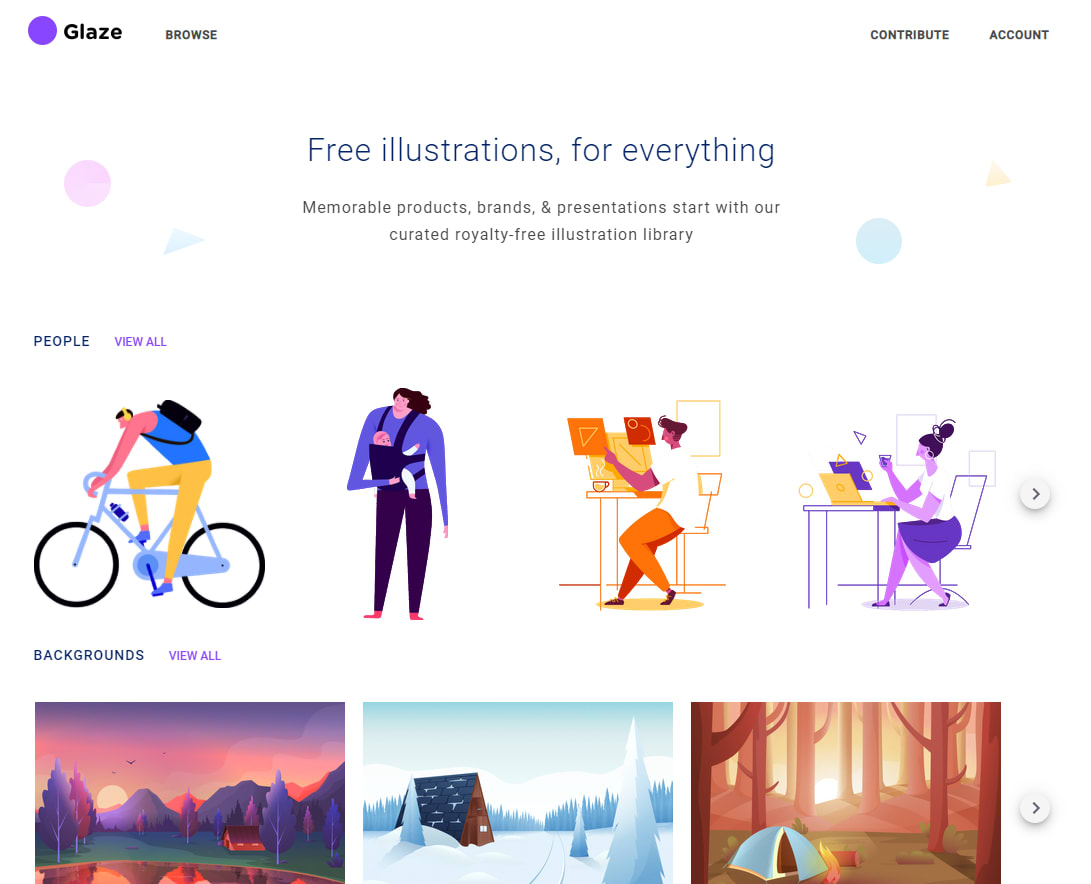
Glaze
An illustration-forward library, but it has everything from background images to standalone illustrations — quite versatile. Requires account registration; the free tier is PNG-only and requires attribution, but it’s more than enough for most teaching needs.
- License: Commercial use allowed; free tier requires attribution; modifications allowed
- Best for: Backgrounds, design elements, illustrations
- Search language: English
- PowerPoint add-in: None
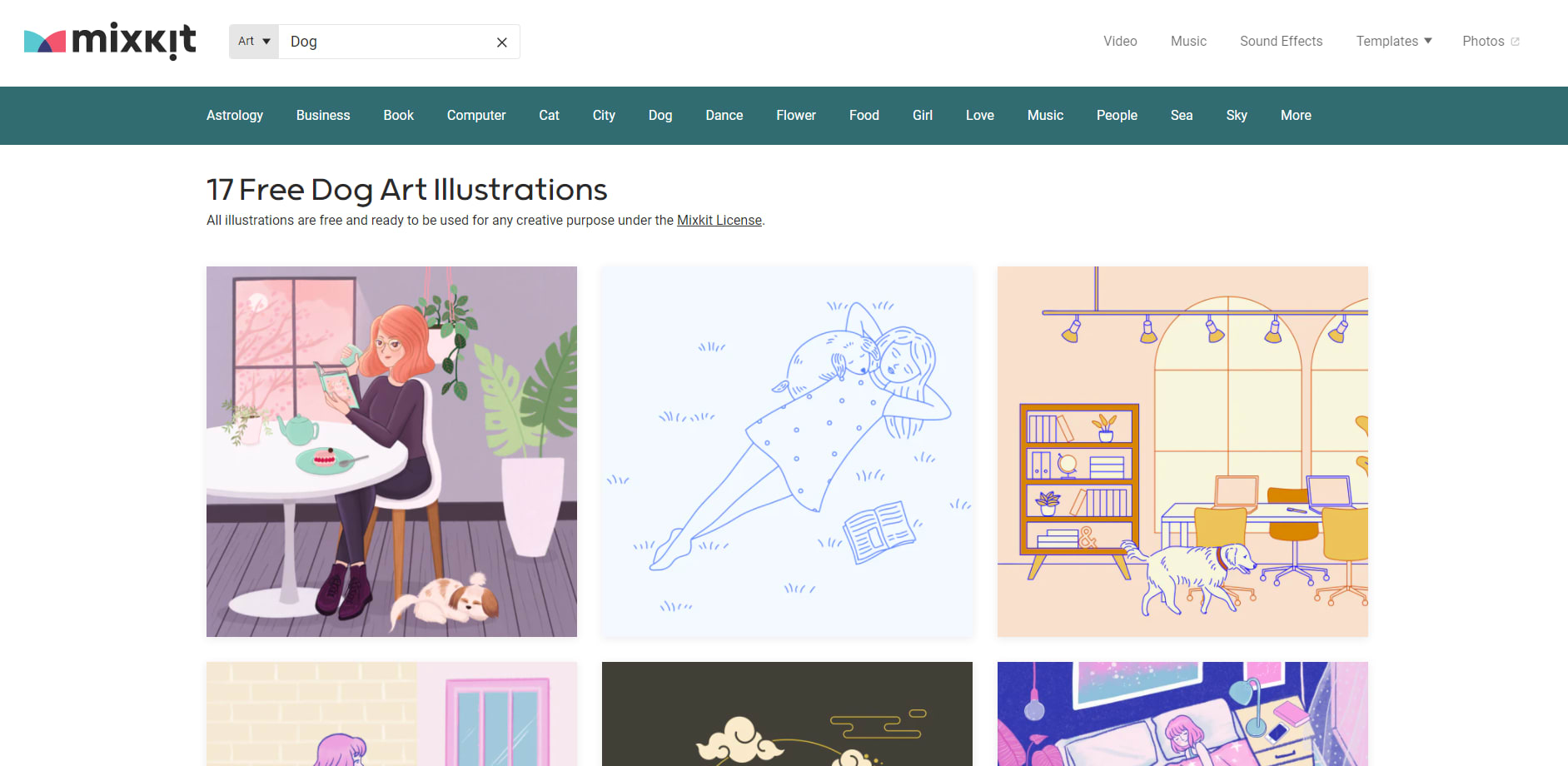
mixkit
Has flat-style illustrations alongside photos, and even video clips — worth browsing at leisure.
- License: Commercial use allowed; modifications allowed
- Best for: Backgrounds, design elements, illustrations
- Search language: English only
- PowerPoint add-in: None
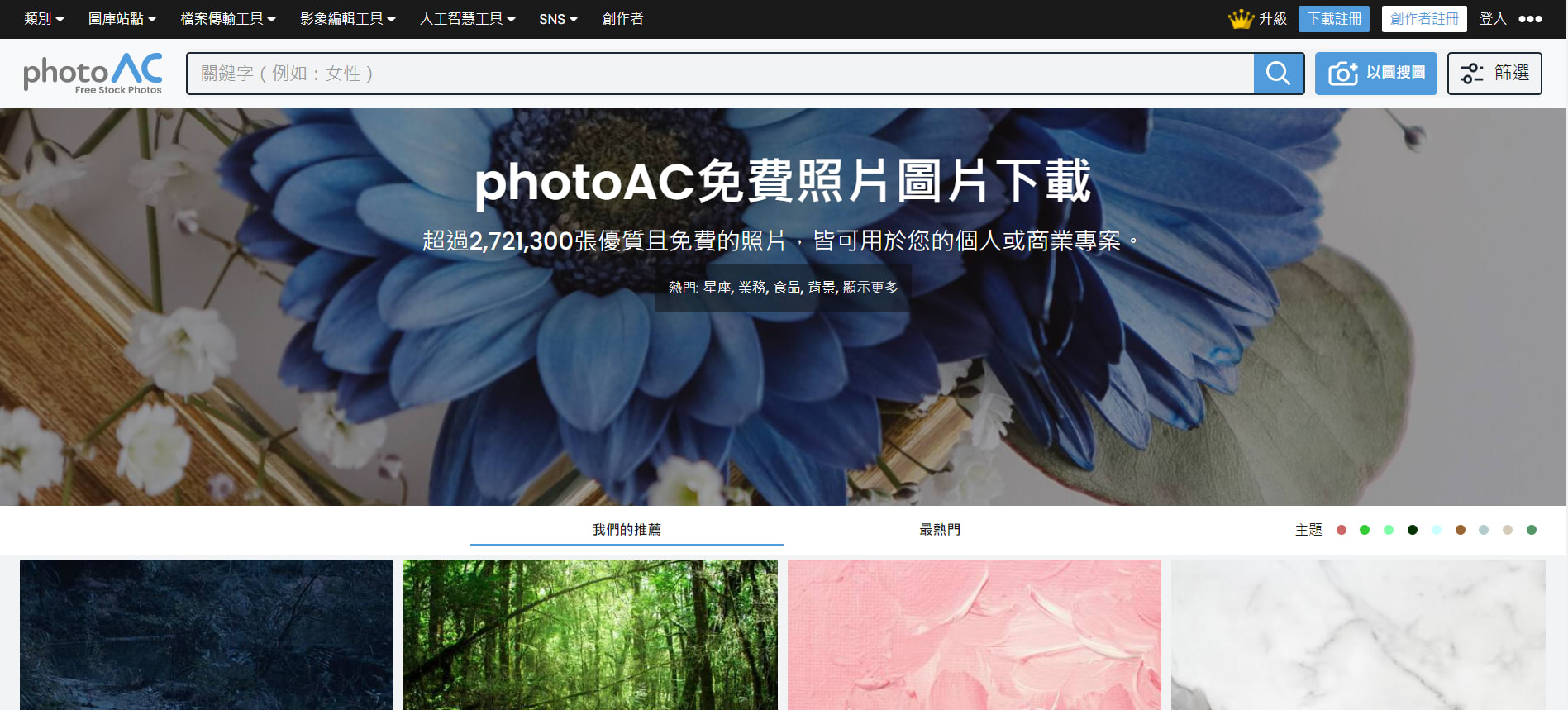
photoAC [Updated 2021/08/05]
A Japanese site that actually reached out to me after seeing this post — I gave it a try and was impressed. It covers illustrations and photos, and seems to include editing tools as well, making it a pretty comprehensive platform. After registration it’s free to use (up to nine downloads per day), which is genuinely generous. You do need to rate a few images before downloading, which I actually think is nice — it helps future users find quality content.
One downside: the Chinese localization wasn’t complete at first, so some instructions were hard to follow. I passed that feedback along. [Updated 2021/08/06 16:32: They actually emailed me to say they’d fixed the Chinese localization of the profile section — impressive responsiveness! Even more recommended now, haha.]
- License: Commercial use allowed; modifications allowed
- Best for: Backgrounds, design elements, illustrations
- Search language: Chinese / Japanese; Chinese localization still improving, but they clearly want to reach the Chinese-speaking market
- PowerPoint add-in: None

Freepik
A go-to for designers — Freepik carries an enormous variety of images, icons, and more. The site was behaving oddly when I was writing this, so I’ll share more details once it’s back to normal.
EC Design
A Japanese-style library with both icons and illustrations.
Photos
Pexels
An excellent photo library — commercial use allowed, no attribution required, modifications permitted. Genuinely one of the most useful free resources out there. I even used it back when I worked in media. >///<
- License: Commercial use allowed; no attribution required; modifications allowed
- Best for: Backgrounds, design elements
- Search language: Chinese works; English recommended
- PowerPoint add-in: Yes

Pixabay
Another excellent photo library with some illustrations thrown in. Commercial use allowed, no attribution required — equally fantastic.
- License: Commercial use allowed; no attribution required; modifications allowed
- Best for: Backgrounds, design elements, illustrations
- Search language: Chinese works (not great); English recommended
- PowerPoint add-in: Yes
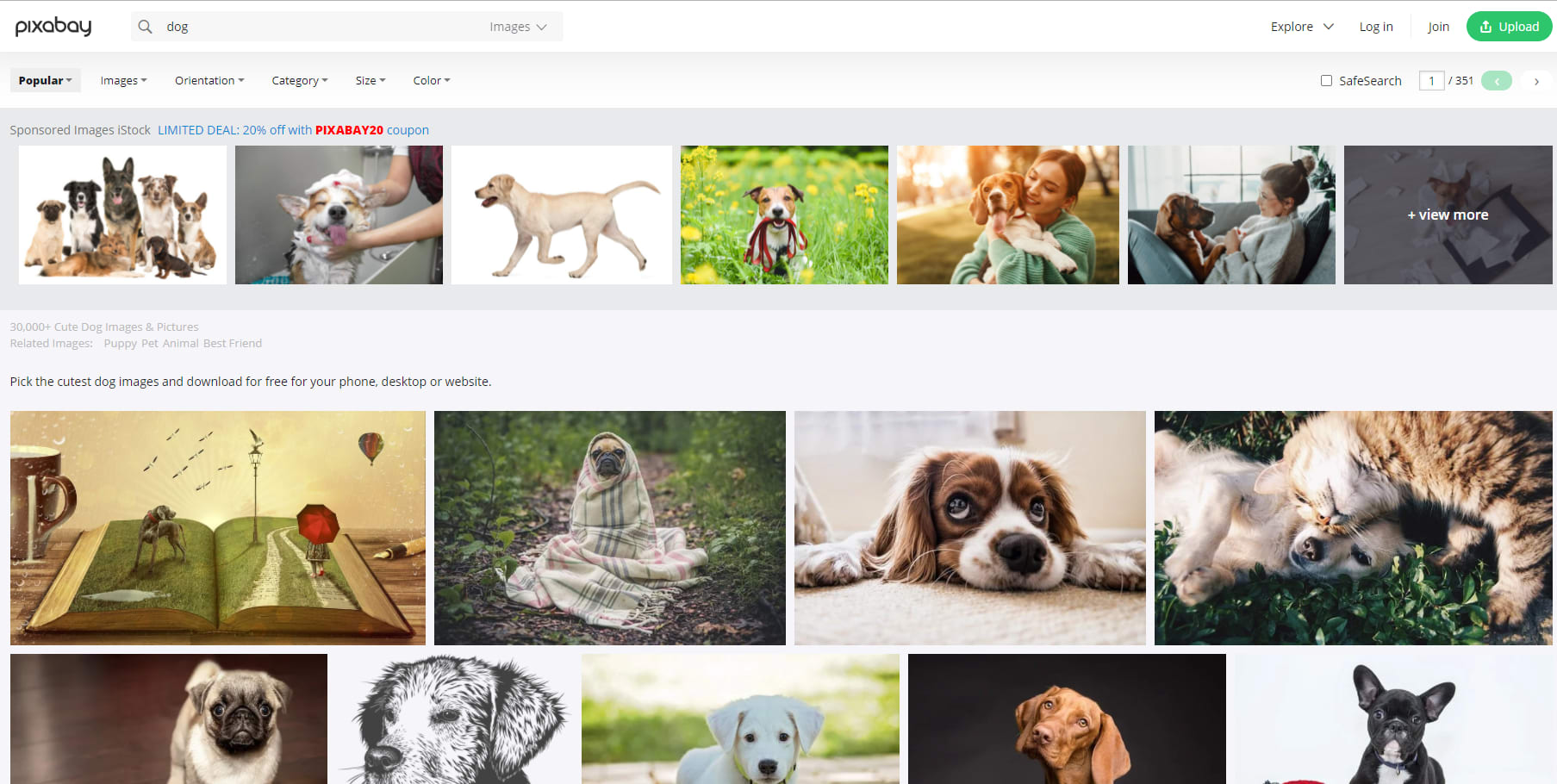
Unsplash
Also a beautiful photo library, primarily photography. Usage is essentially the same as the above two. XD
- License: Commercial use allowed; no attribution required; modifications allowed
- Best for: Backgrounds, design elements
- Search language: English only
- PowerPoint add-in: None
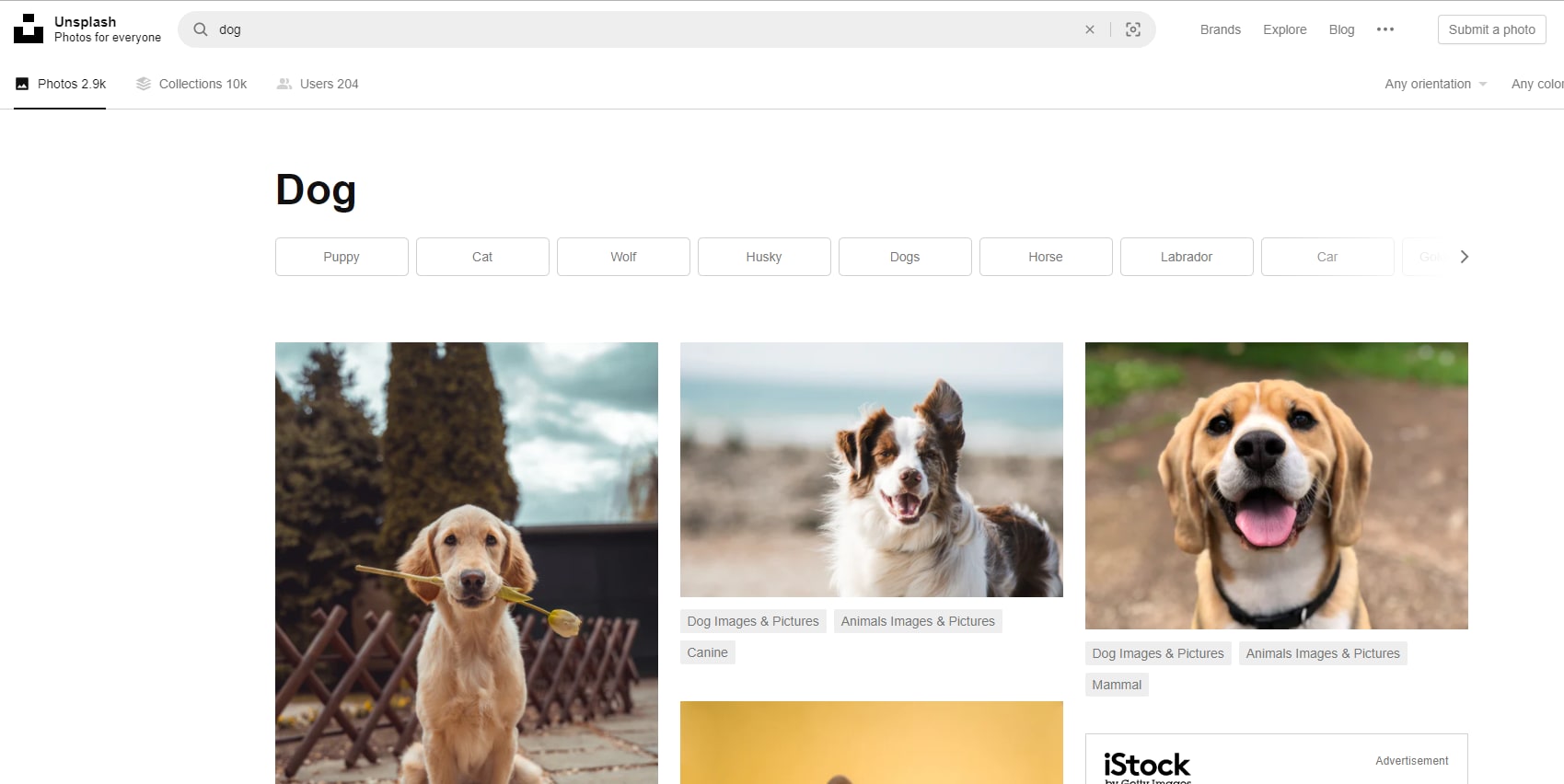
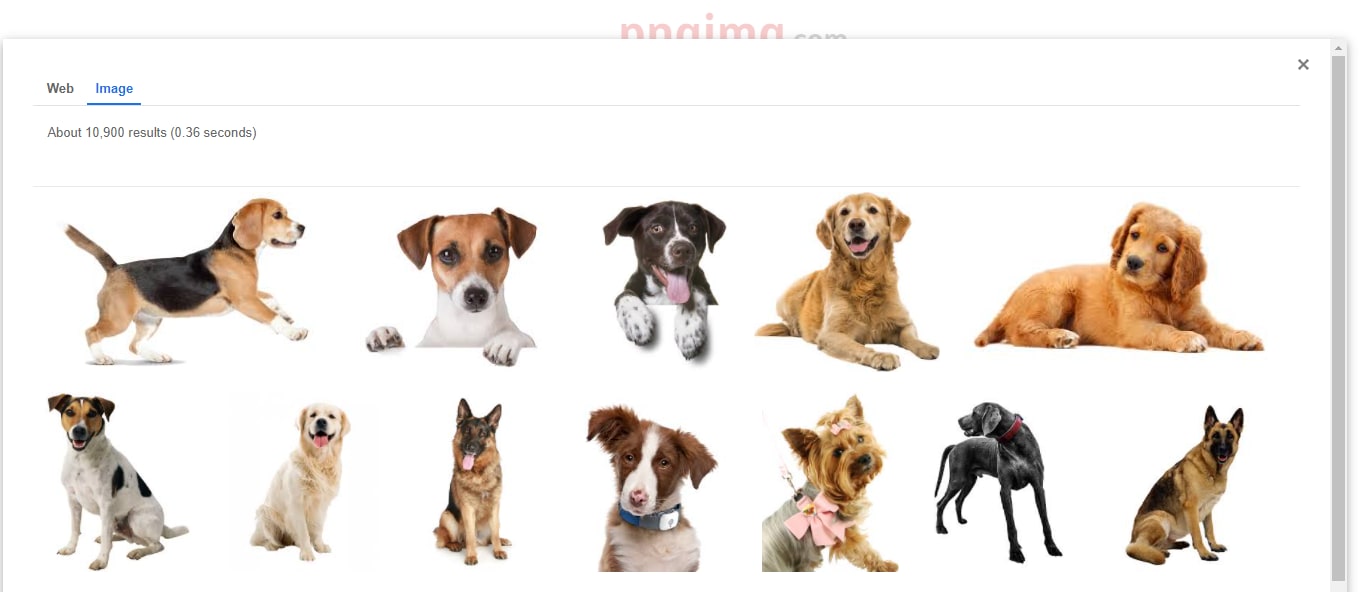
PNG images
Remember how we talked about PNG files in Teaching Slides Design (3): Super Easy Background Removal!? This site is a collection of PNG images with transparent backgrounds. Note: it uses a Creative Commons NonCommercial license, so keep that in mind.
- License: Non-commercial only
- Best for: Design elements, images
- Search language: English only
- PowerPoint add-in: None
Icons
Flaticon
A very popular icon library among designers. The site was acting up when I wrote this — I’ll add more details once things stabilize.
icons8
A fantastic icon library — icons in teaching materials look incredibly charming. <3 Some icons even let you change the color and design, which is a huge plus. If budget allows, the .svg download is worth it for more flexibility in PowerPoint; the free .png download is more than sufficient otherwise. XD
- License: Free tier requires attribution (link back to source)
- Best for: Icons
- Search language: English only
- PowerPoint add-in: None
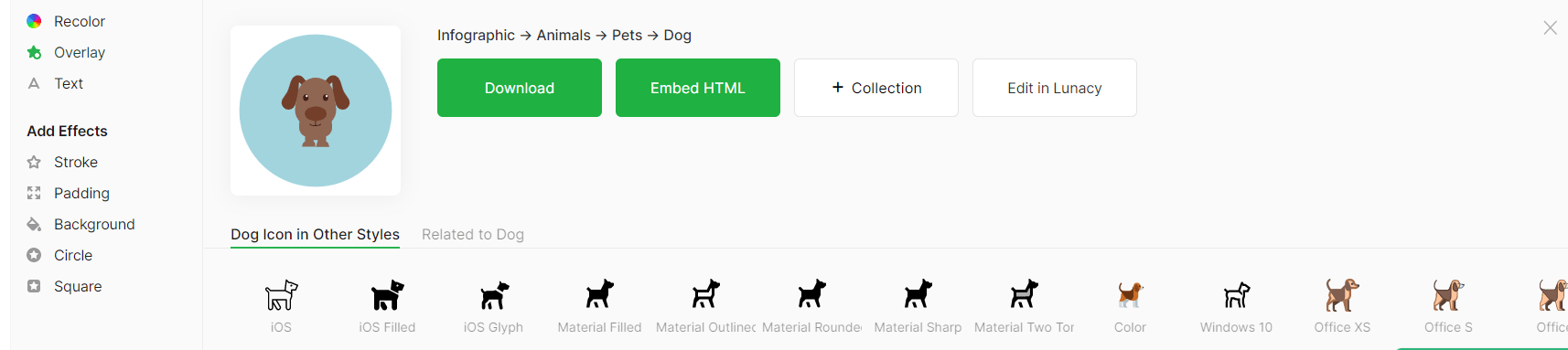
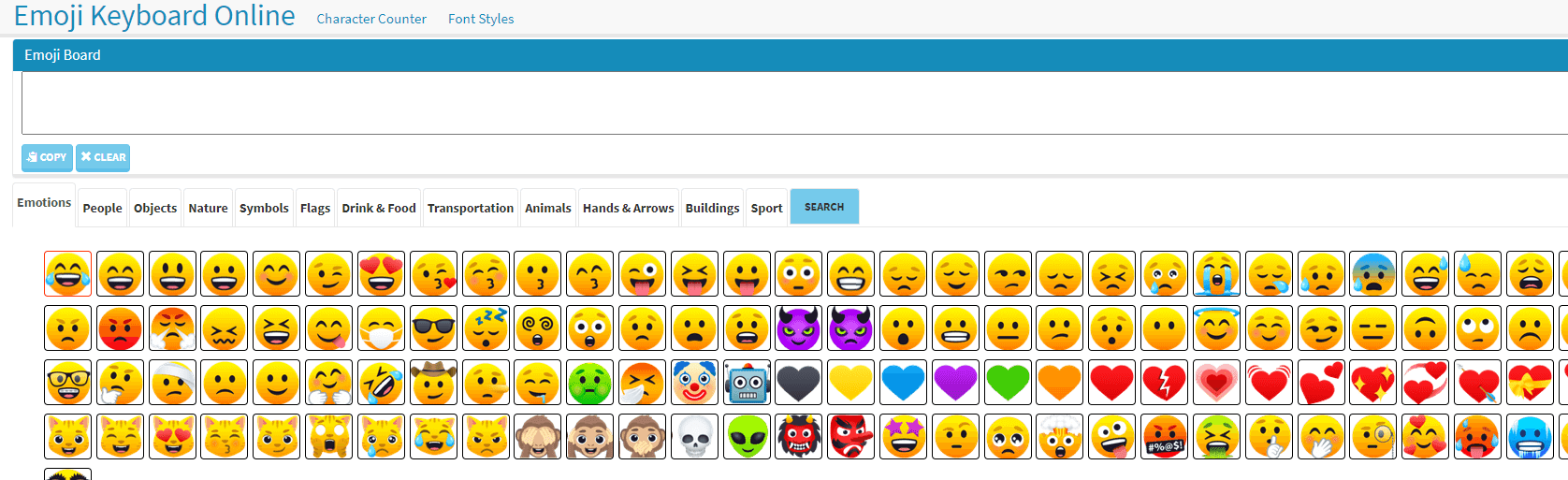
Emoji Keyboard
A great site for inserting emojis — and it has a PowerPoint add-in, which I use constantly! The web version even links to related emojis (search “dog” and it’ll suggest cat, wolf, bone, etc.).
- License: Per the emoji design source (varies by platform)
- Best for: Icons
- Search language: English only
- PowerPoint add-in: Yes
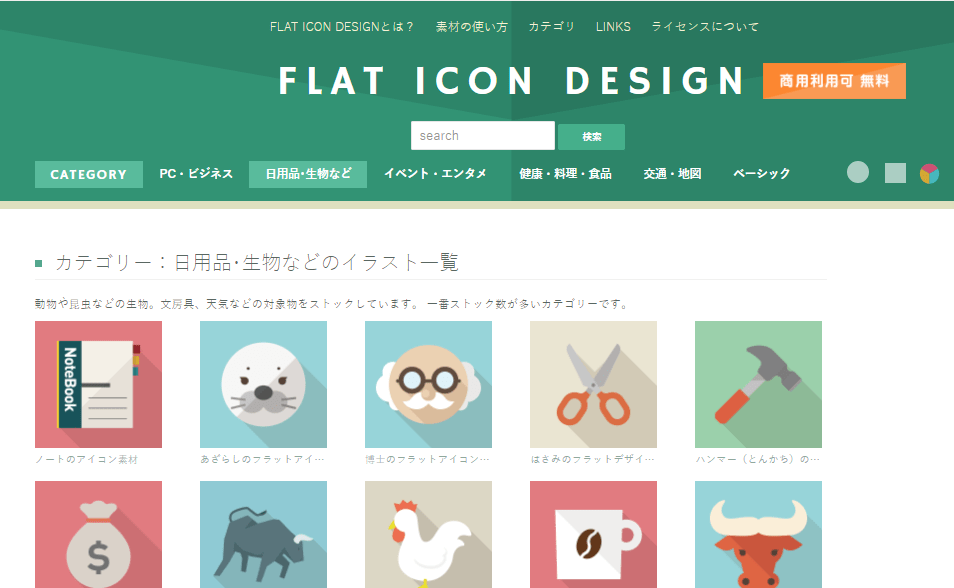
Flat Icon Design
Very Japanese flat-style icons — incredibly cute. I used icons from this site in my Online Teaching PPT Templates — 11: Poke-the-Balloon post! The selection isn’t huge, but when you find the right one it genuinely makes your slides pop. +_+
- License: Commercial use allowed
- Best for: Icons
- Search language: Japanese only
- PowerPoint add-in: None
Silhouette Design
An icon site focused on black-and-white silhouette designs.
Human Pictogram 2.0
An icon site focused on human figure pictograms.
ICOON MONO
Another black-and-white icon site.
Jitanda (イラストストック「時短だ」)
A mixed-content resource site with both icons and illustrations.
icones.pro
Primarily business/brand icons. Search works best in French (English yields less accurate results), and it’s less directly applicable to teaching.
Illustrations
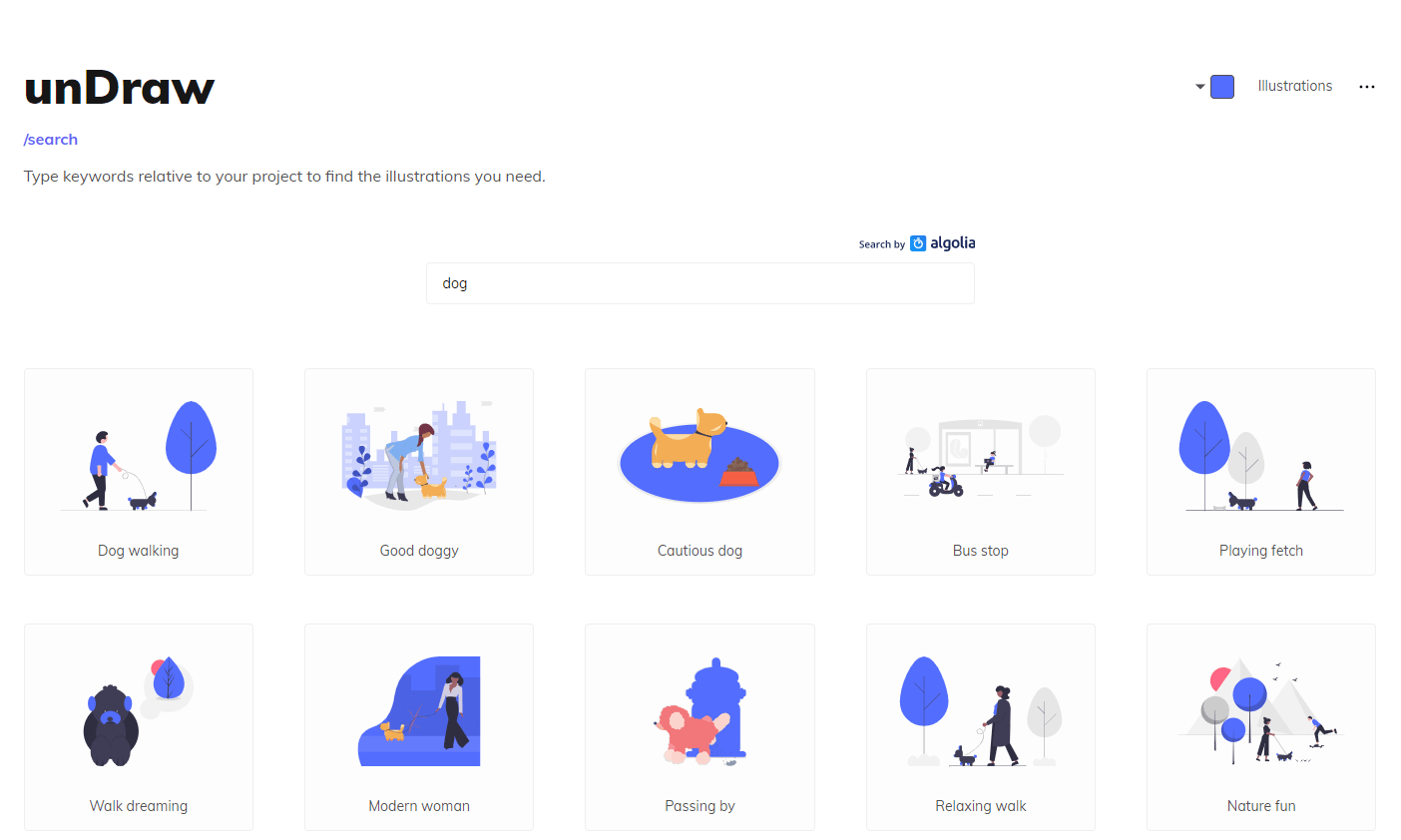
unDraw
A completely free, open-source illustration site with clean, flat design aesthetics. You can change the color scheme and download as .svg (amazing) or .png — a serious upgrade for PowerPoint design.
- License: Open Source; commercial use allowed; modifications allowed
- Best for: Illustrations
- Search language: English only
- PowerPoint add-in: None
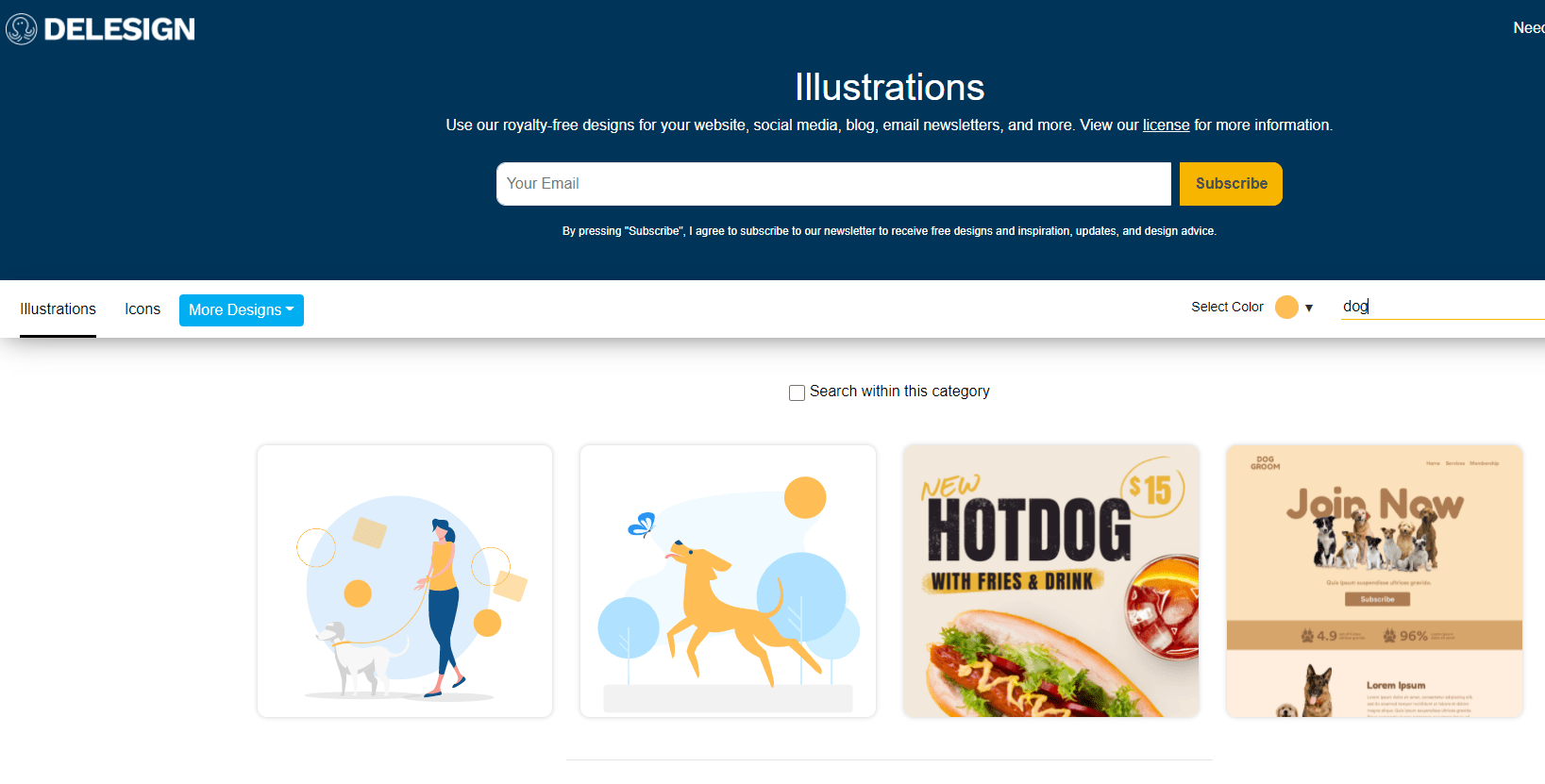
DELESIGN
Primarily a paid service, but there’s a solid free section — you can subscribe via email or browse here. For teaching purposes, the free offerings are more than enough. XD The free versions are color-customizable and available in both .svg and .png, which is quite generous. (I searched “dog” and it returned a hot dog, which made me laugh. XD)
- License: Commercial use allowed; modifications allowed
- Best for: Illustrations
- Search language: English only
- PowerPoint add-in: None
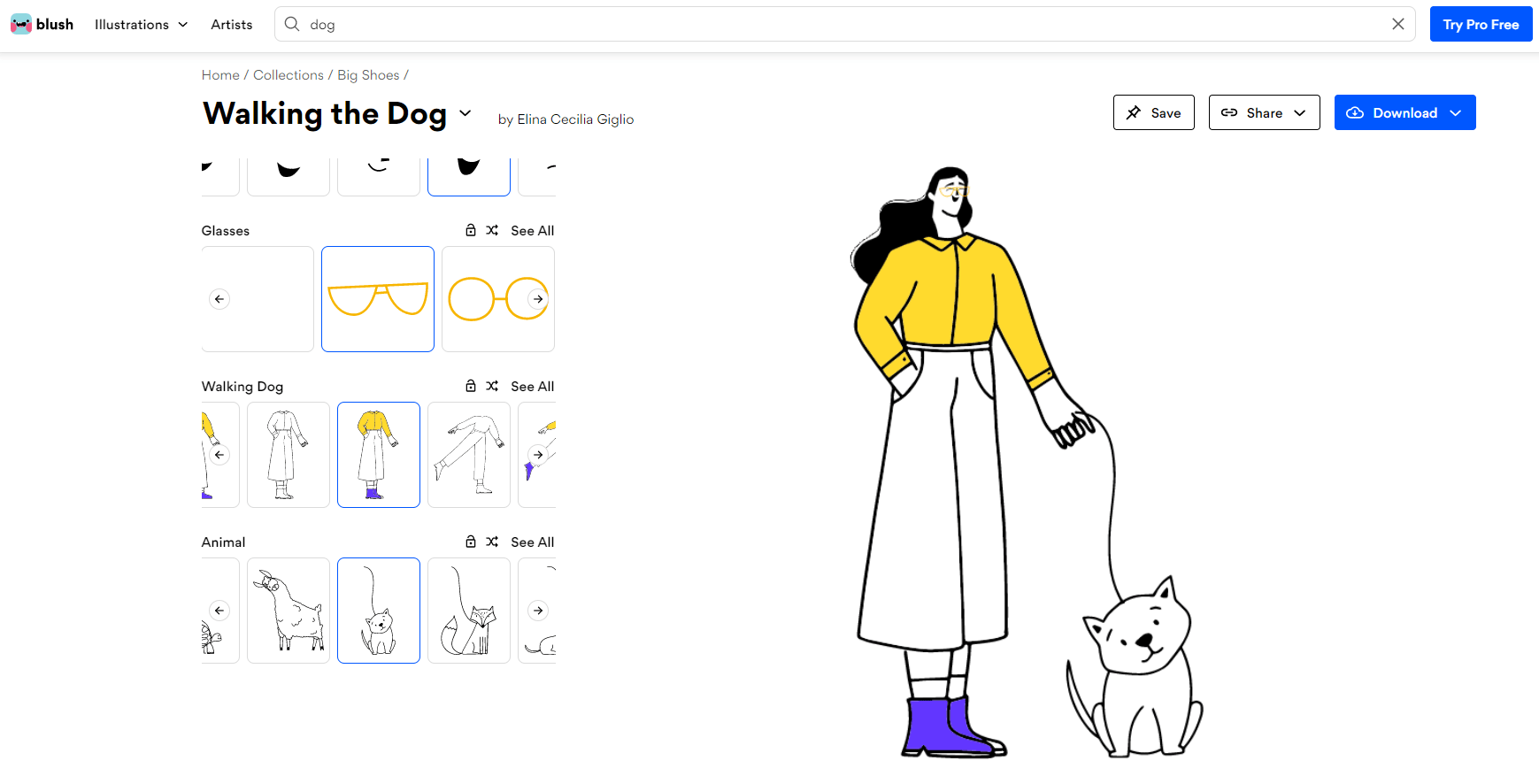
blush
A large, stylistically diverse illustration library — the artwork is genuinely beautiful, and some illustrations even let you customize character poses and outfits. The paid tier unlocks more, but the free version is quite useful.
- License: Commercial use allowed; modifications allowed
- Best for: Illustrations
- Search language: English only
- PowerPoint add-in: None
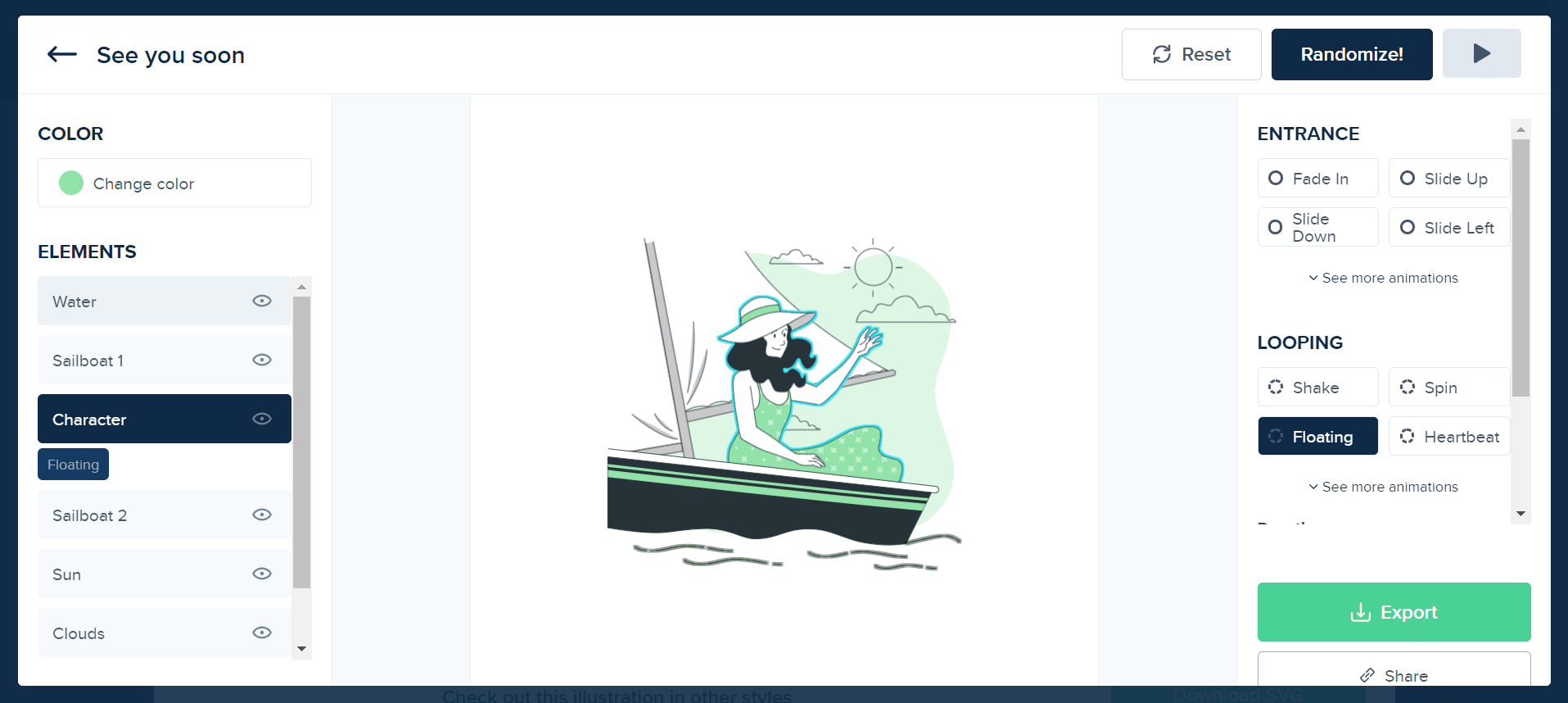
Storyset
Adorable illustrations with color customization options. What sets it apart is the ability to add customizable animation effects to elements. Also available as a Figma plugin. Free for personal use — very generous!
- License: Commercial use allowed; modifications allowed
- Best for: Illustrations
- Search language: English only
- PowerPoint add-in: None
- Figma plugin: Yes
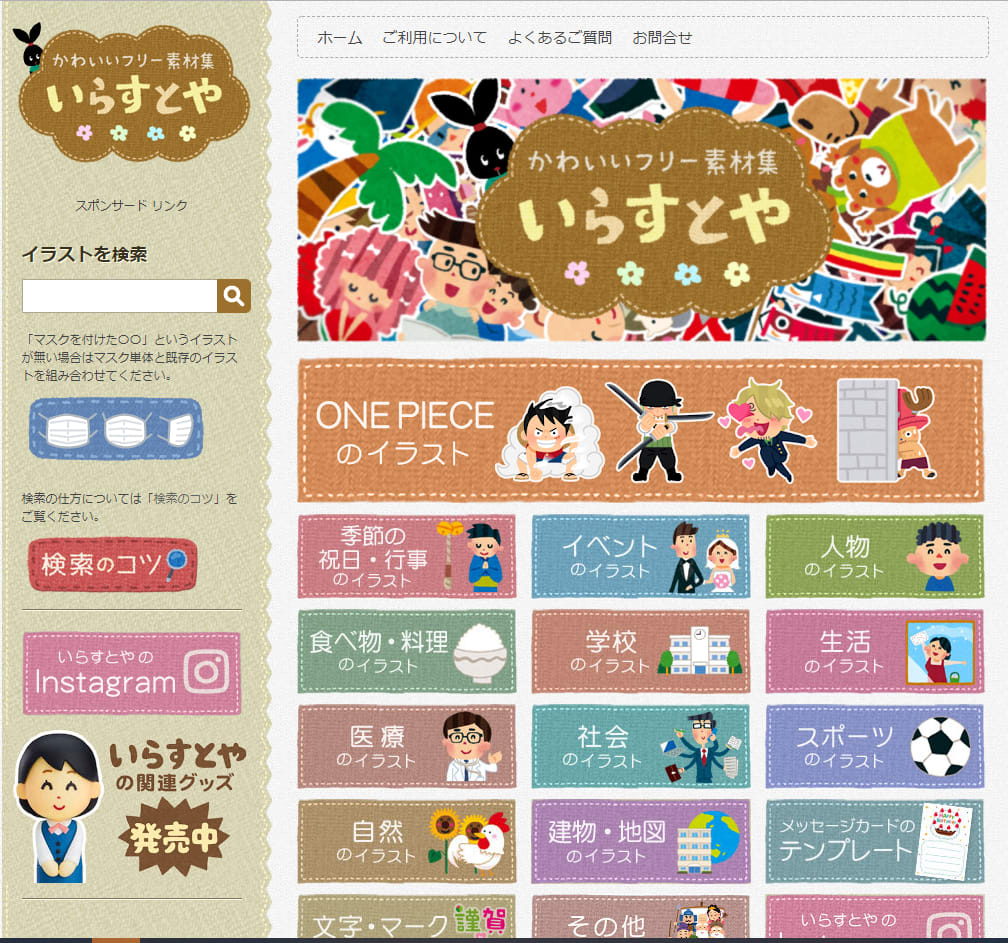
Irasutoya (かわいいフリ)
A well-known Japanese illustration site — the creator is remarkably prolific. Whatever topic you can imagine, there’s probably an illustration for it.
- License: Commercial use allowed; modifications allowed
- Best for: Illustrations
- Search language: Japanese only
- PowerPoint add-in: None
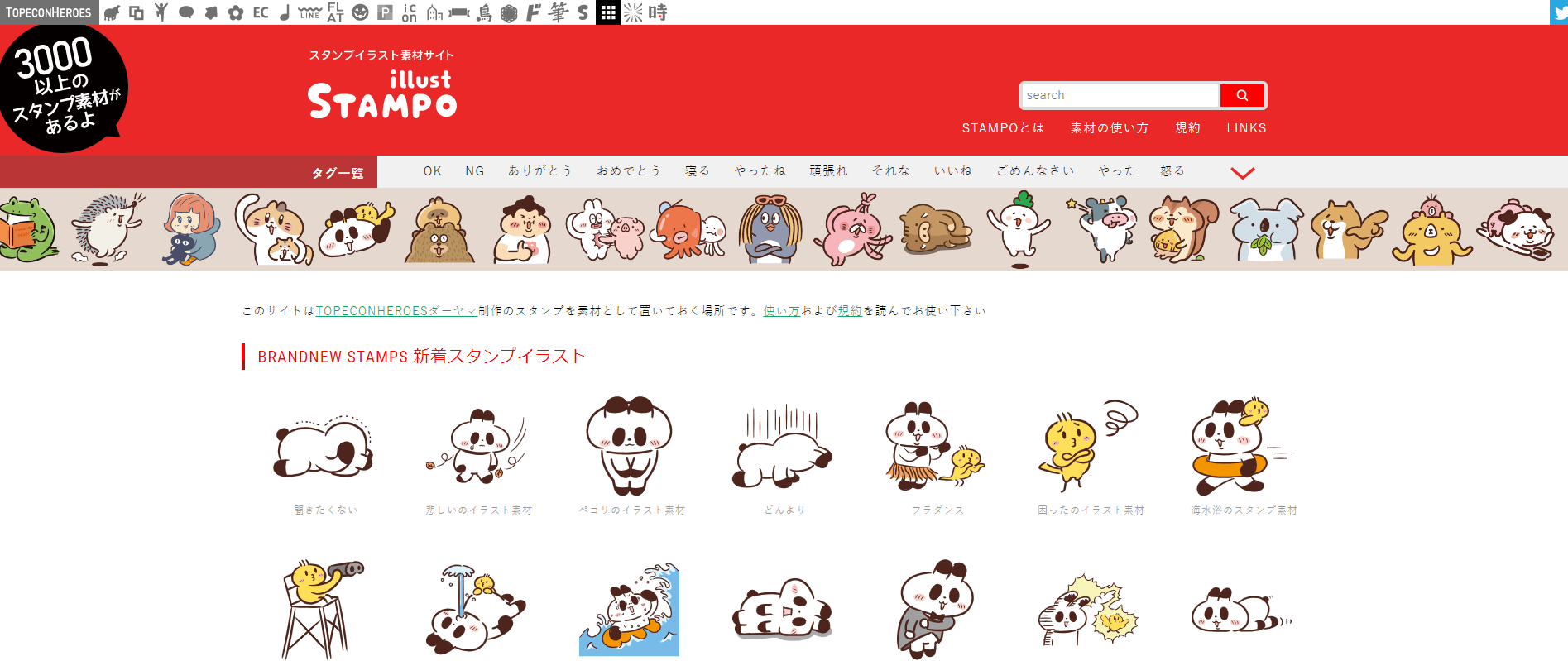
illust STAMPO
A must-visit if you love Japanese-style illustration. Very sticker-like in feel — search is Japanese-only, but browsing is delightful. <3
- License: Commercial use allowed; modifications allowed
- Best for: Illustrations
- Search language: Japanese only
- PowerPoint add-in: None
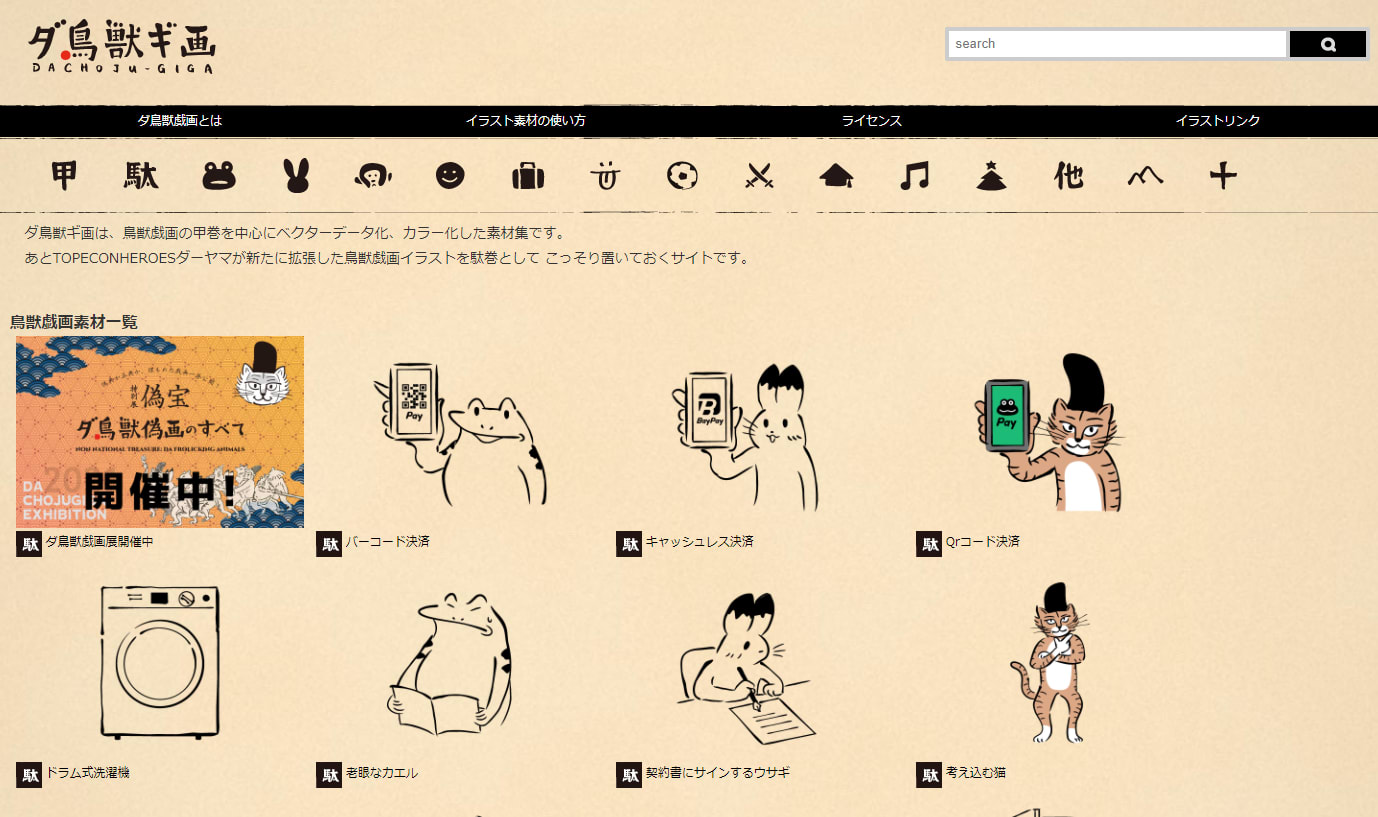
Da Chōjūgiga (ダ鳥獣戯画)
Inspired by the classic Japanese Chōjūgiga (animal caricature) scrolls, but with modern elements blended in — incredibly charming.
- License: Commercial use allowed
- Best for: Illustrations
- Search language: Japanese only
- PowerPoint add-in: None
Flode illustration
Primarily botanical and floral illustrations. The style isn’t entirely consistent, so aim for visual cohesion when using multiple images.
Town illust
A Japanese illustration site focused on urban and architectural subjects.
Clker.com
A clip-art illustration site with a Western aesthetic — styles are inconsistent, so try to select images with a unified look.
Typography
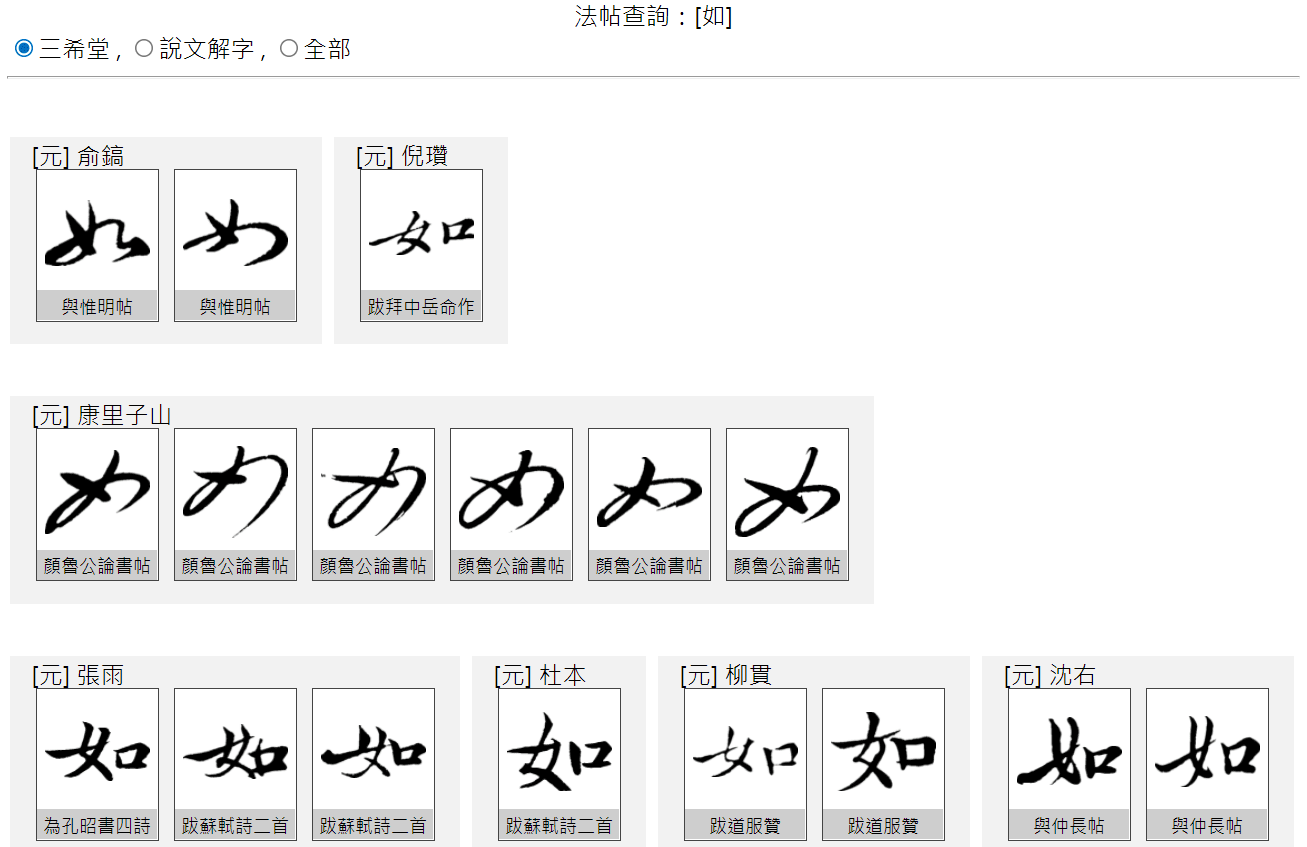
CNS11643 Chinese Character Database
I’ve been using this one since back in the days of “Teacher Lian Yuren’s resource compilations.” XD It has calligraphy specimens from historical calligraphers — perfect for creating slides with a classical Chinese or traditional aesthetic.
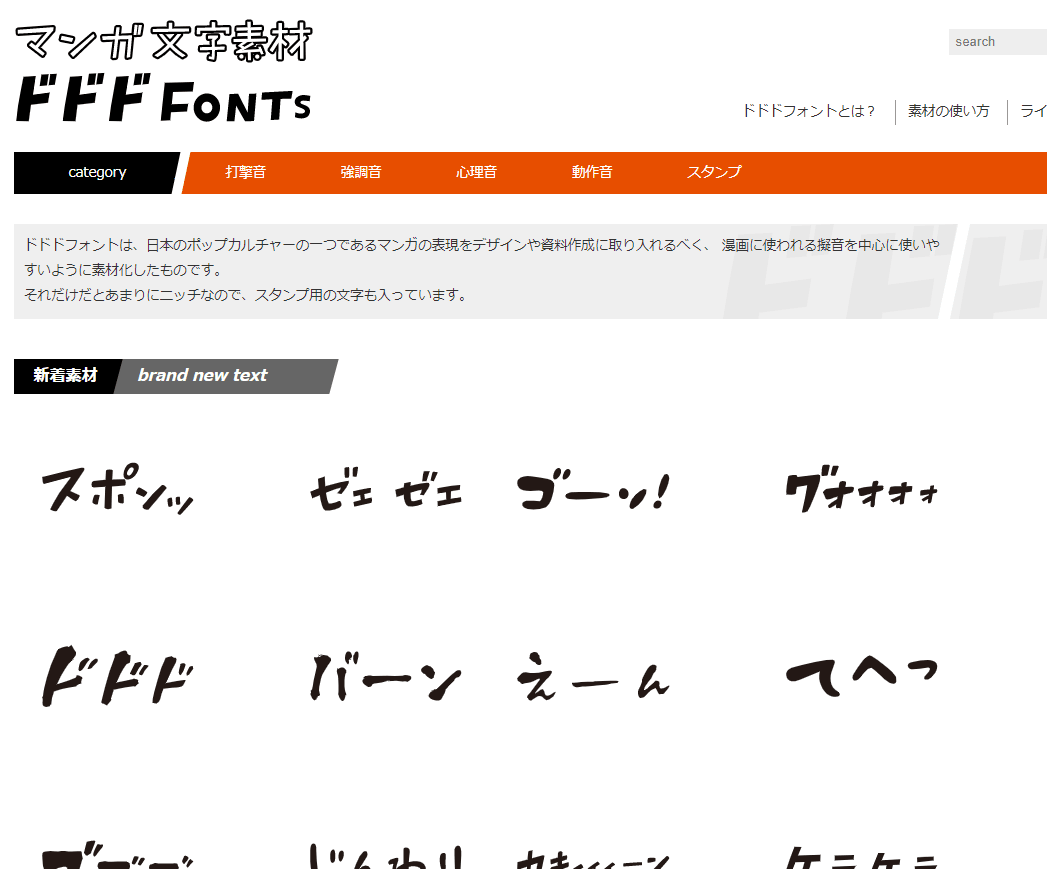
Manga Font Resources dddFont (マンガ文字素材dddFont)
Want to give your teaching materials a manga vibe? Add some onomatopoeia! XDDD
Calligra
Japanese calligraphy typefaces.
Miscellaneous
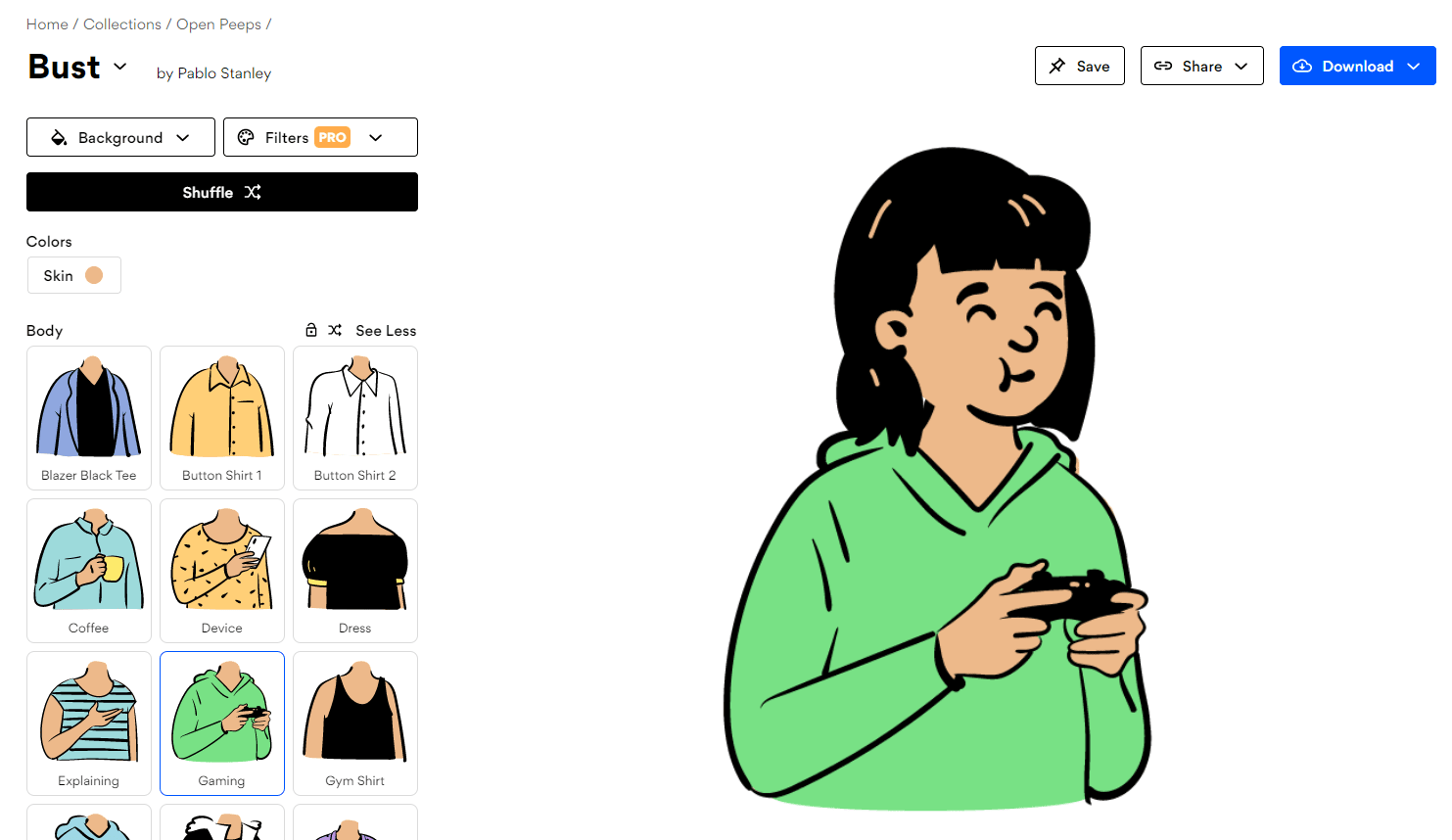
Open Peeps
Want to create a custom avatar? This site makes it possible! XD You could even do it together with students — that would make for a fun activity.
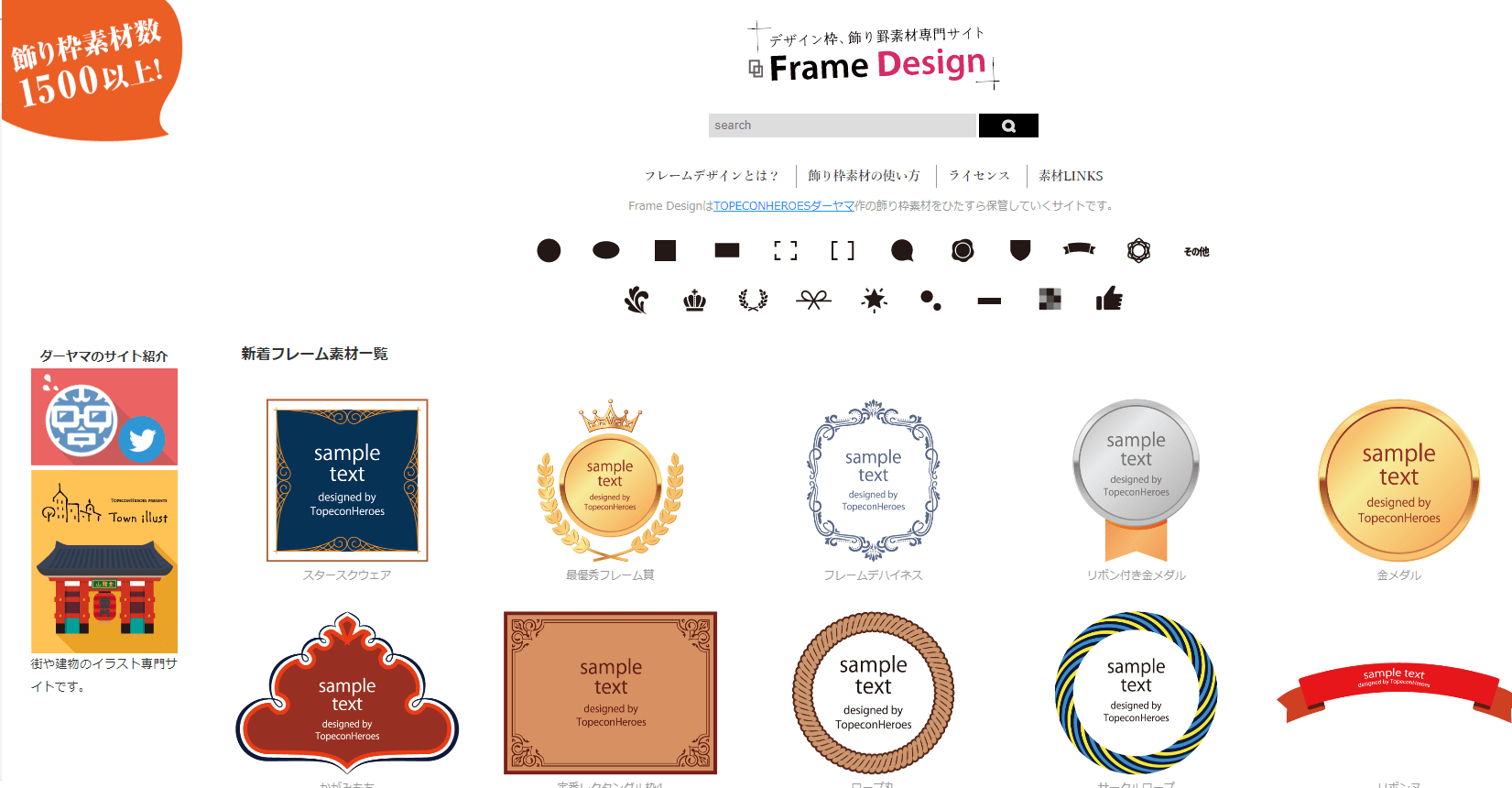
Frame Design
A site dedicated to decorative frames — fun and a bit niche. XD
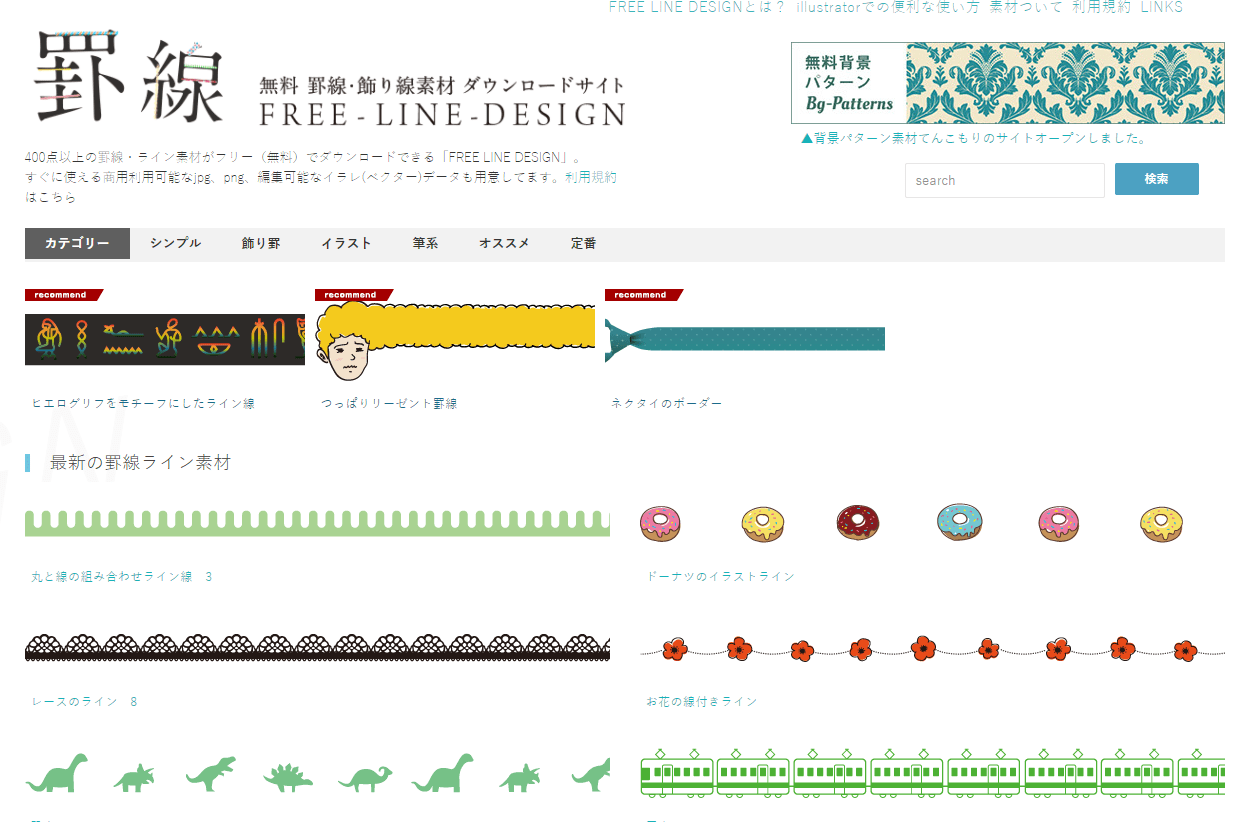
FREE LINE DESIGN
A resource site for decorative line elements — quite cute. <3
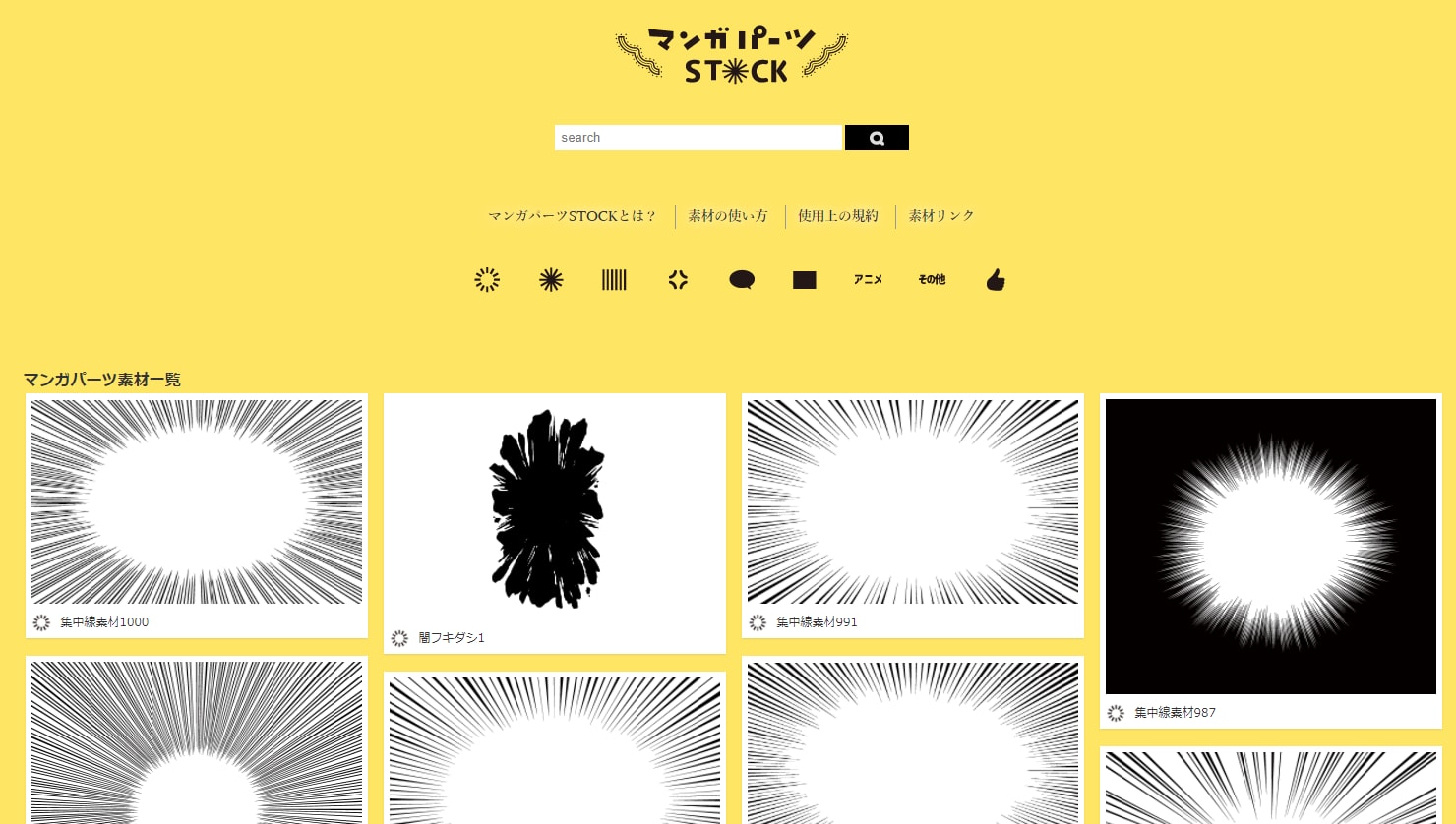
Manga Parts STOCK (マンガパーツSTOCK)
Manga-style effect assets — speed lines, impact effects, and more. Really cool for creating dynamic visuals. XD
Bg-Patterns
A Japanese site with decorative pattern assets — great for creating beautiful background images. <3
Speech Bubble Assets (ふきだし素材)
A site dedicated to speech bubble graphics (surprisingly useful).
Arrow Design (やじるし素材天国「矢印デザイン」)
A site dedicated entirely to arrow graphics (even more niche, and somehow also very useful).
EVENTs Design
A Japanese resource site focused on seasonal and holiday themes — New Year, Christmas, etc. Great for finding festive visuals when they’re relevant.
Ribbon Freaks
A Japanese site dedicated to ribbon graphics (somehow a category that needed its own site).
Da-Lace
For lace enthusiasts… (I have no words).
Closing Thoughts
Writing this post nearly broke me — I kept going back and forth on whether to split it into multiple articles, but in the end I was too lazy to reorganize everything, so here it all is in one place. XD I also thought about adding pairing suggestions, but if there’s real demand for that, leave a comment and let me know. XD
I hope this roundup is helpful! If you have any questions, feel free to leave a comment anytime.

Thanks again, and wishing everyone smooth sailing with online teaching!
Thanks for reading :D
If you enjoyed this post, feel free to click the coffee button in the lower right to support us and give Lottery a can 🐾
Comments