The Ssum – Tips on Day 24 (No Spoilers)
This post introduces something you need to know before go into the Day 24. It only contains the spoiler of the title.
game
Overall Posts Related to The Ssum:
The Ssum – Quick Walkthrough
The Ssum – CENTER homescreen: Interact with Teo
The Ssum – How to Unlock Trivial Features
The Ssum – Phone Call Timetable
The Ssum – Chat Choice and Private Account
The Ssum – Infinite Universe and Planets
The Ssum – Tips on Day 24 (No Spoilers)
The Ssum is a mobile game made by Cheritz. If you want to learn more about The Ssum, please read the page: The Ssum Walkthrough
Official websites and SNS: Website, Instagram, Twitter, Tumbler
Download: Android, iOS
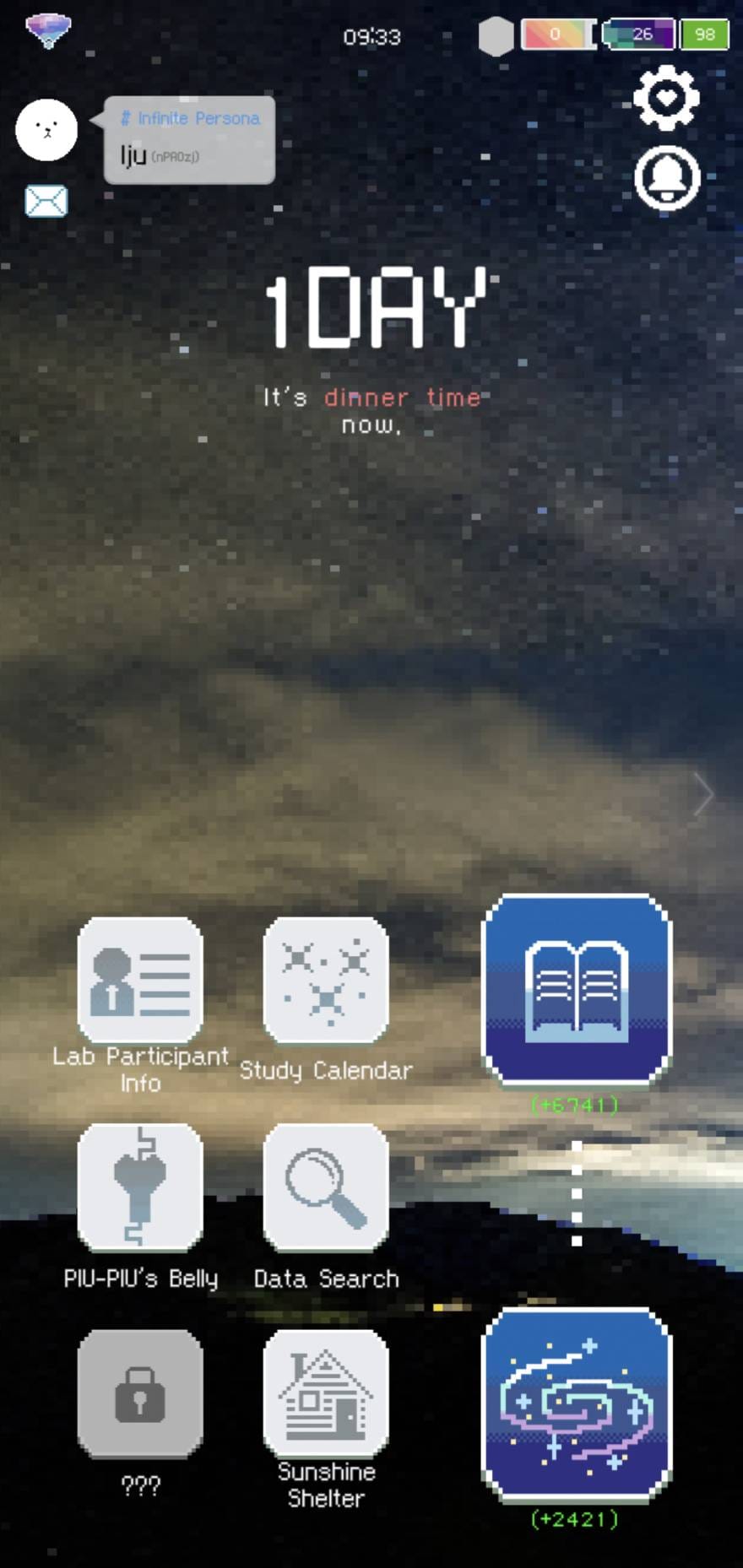
There are three main screens on The Ssum and each of them has different functions.
If you just want to simply chat with Teo, then you should just read through this page to know the features.
This post briefly introduces the CENTER homescreen to you! If you want to see other sections, please just click the homescreen below.
[LEFT homescreen]
To communicate with users worldwide, and petting your Creatures.
[CENTER homescreen]
For people who just want to talk with hot dudes lol
[RIGHT homescreen]
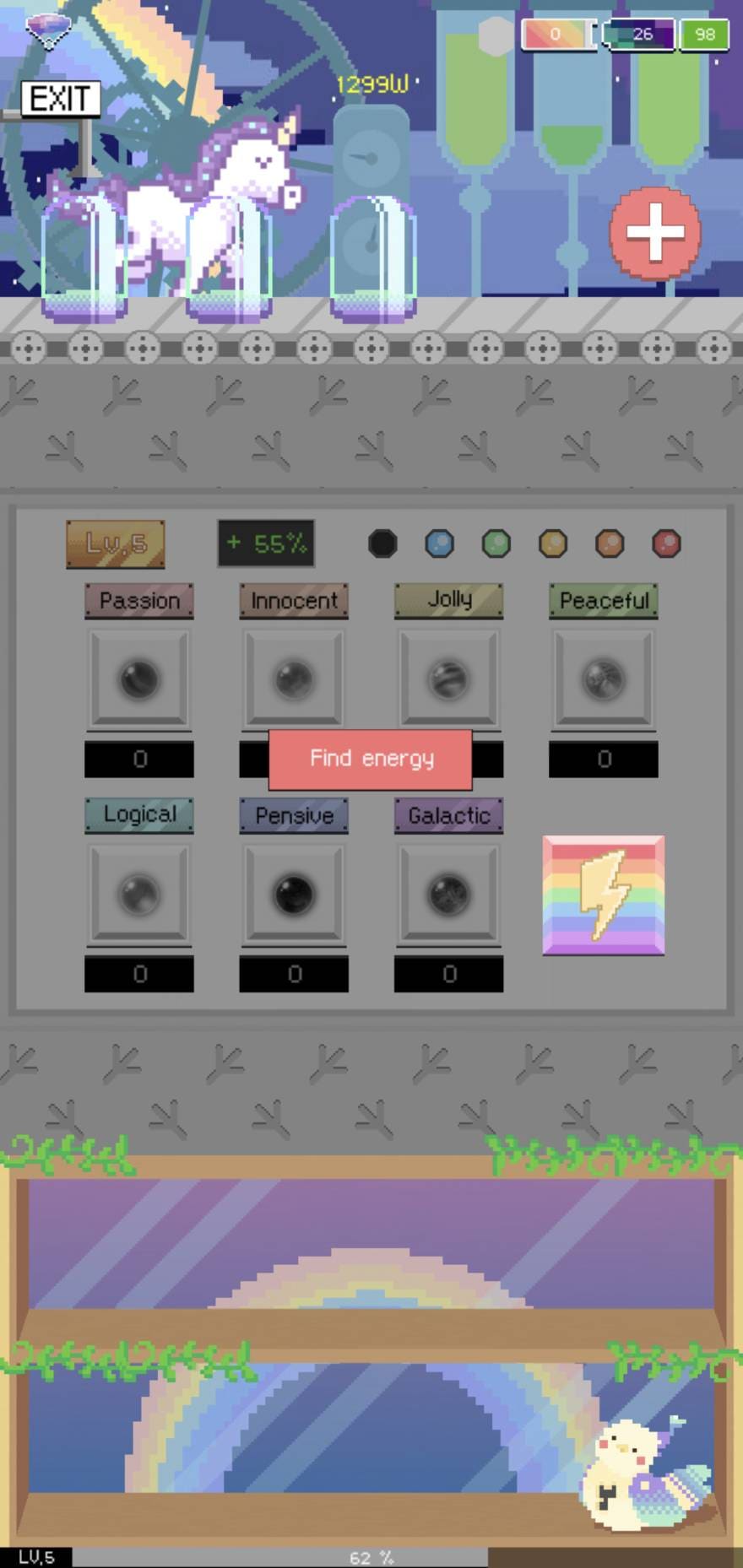
Transfer the Energy to unlock more Planet (for community usage)
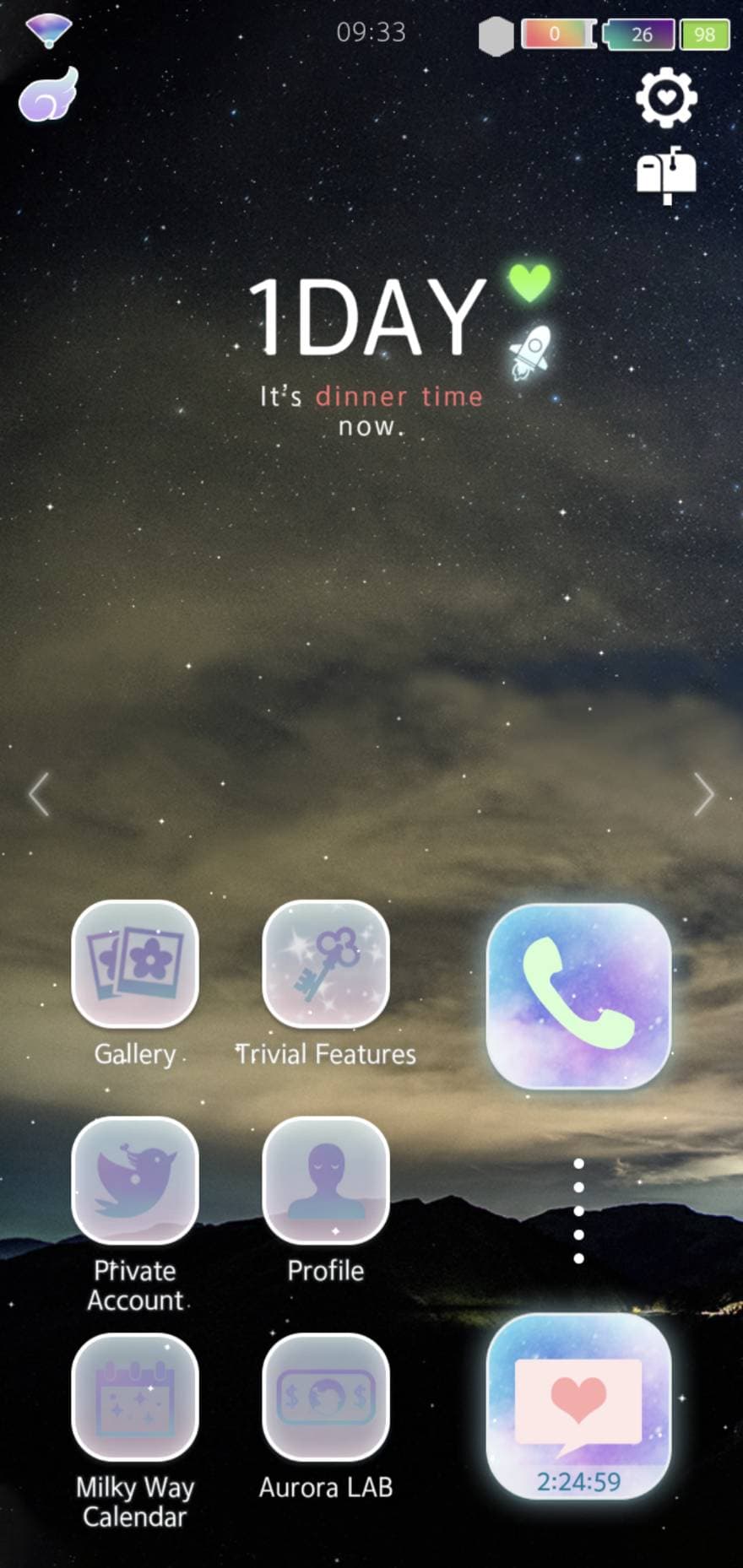
This homescreen is used to manage your account and chat with Teo.
There are Phone and Chat buttons on the homescreen. When you click on the message button, you will know whether Teo starts a new conversation with you. For the Phone button, you can call Teo or he calls back to you.
You can check the overall incoming and outgoing calls from the Google Sheet.
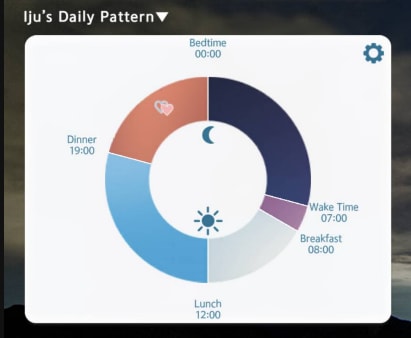
When you set your daily pattern at the beginning of the game, Teo will start a conversation with you during these time periods. You can chat with Teo before the session is finished. E.g., as shown in the following figure, the chat of Breakfast would end after 12:00.
So remember to land on the app to check if there’s anything from Teo during these time periods.
Since you cannot edit the Daily Pattern unless you buy a ticket for it; therefore, you need to make sure the time period is long enough for you to complete the conversation. Otherwise, there might be chances that you will miss out on the chatroom.
You can check the Gallery to find the pictures that Teo sends to you.
It is a section that includes Trivial, Bluff, PHysical labor, and Clock.
You are able to unlock Trivial or Bluff if you complete some tasks. Trivial can give you Energy and the Bluff unlocks Profile Photo and Titles.
To know how to unlock Trivial Features, you can check this post:
The Ssum – How to Unlock Trivial Features
If you make a subscription (PIU-PIU’s Evolution), you can have unlimited access to check the Private Account.
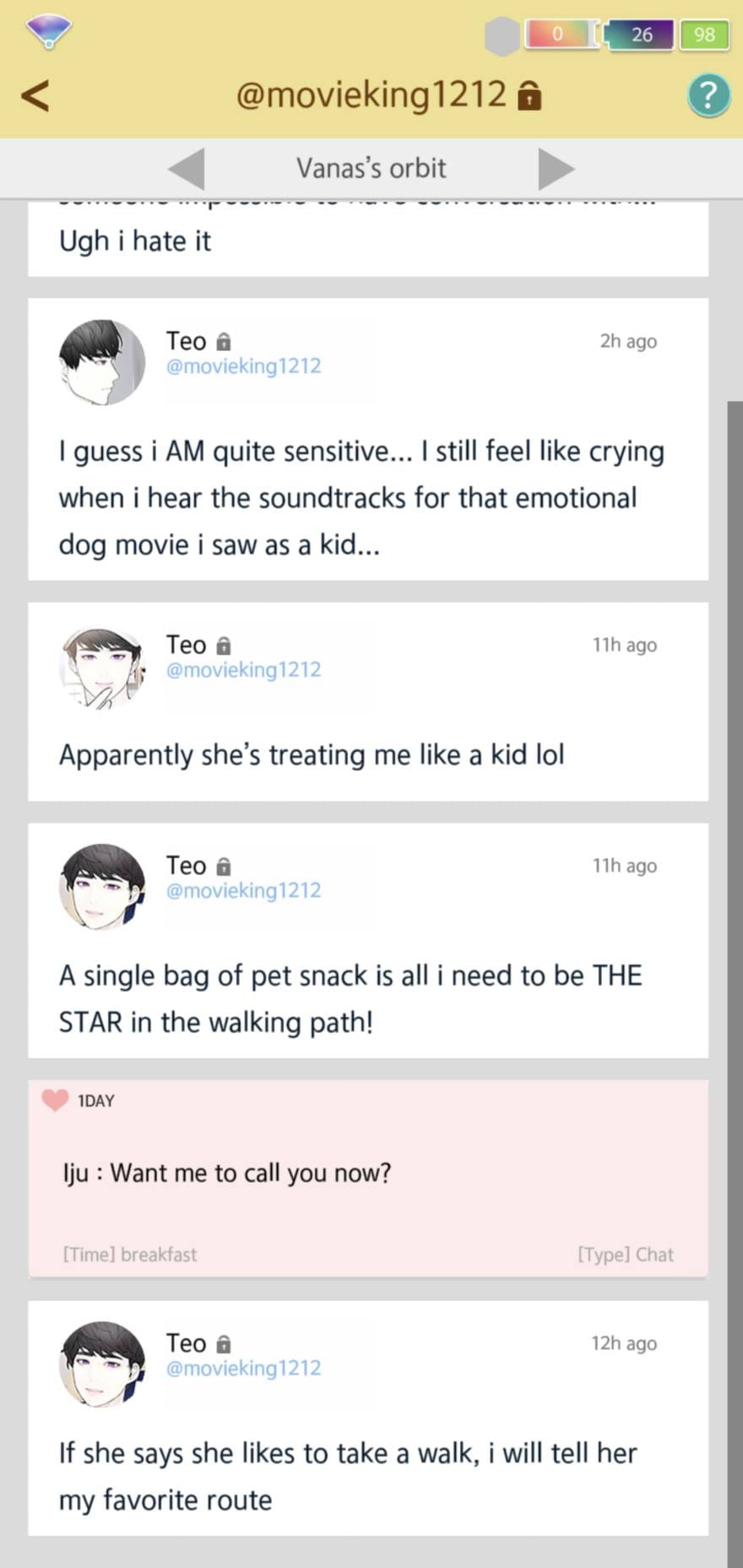
In the Private Account, you can see his real thoughts from Teo while he talks with you, as shown below.
The white background indicates his thoughts and the red background is my reply in the chat 😉
In Profile, you can edit your personal information, daily pattern, and analysis of your concepts of love.
Seems can see previous chats?
Subscription or other items for the app.
When you click on the rocket beside the [#DAY], then you can enter the Time Machine.
It helps you to return to a specific time and replay a certain day.
To unlock Time Machine, the [time machine ticket] and [energy] are needed.
If you enjoyed this article, feel free to buy me a coffee — it helps keep Lottery fed 🐾

This post introduces something you need to know before go into the Day 24. It only contains the spoiler of the title.
The Ssum phone call timetable for Teo, Harry, June, and Henri — when incoming and outgoing calls happen each day, plus the chat choices required to unlock them.

This post introduces the Infinite Universe and Planets on the LEFT homescreen of The Ssum. In short, the Infinite Universe is a place to interact with users all over the world, and each planet has different functions.
Comments